
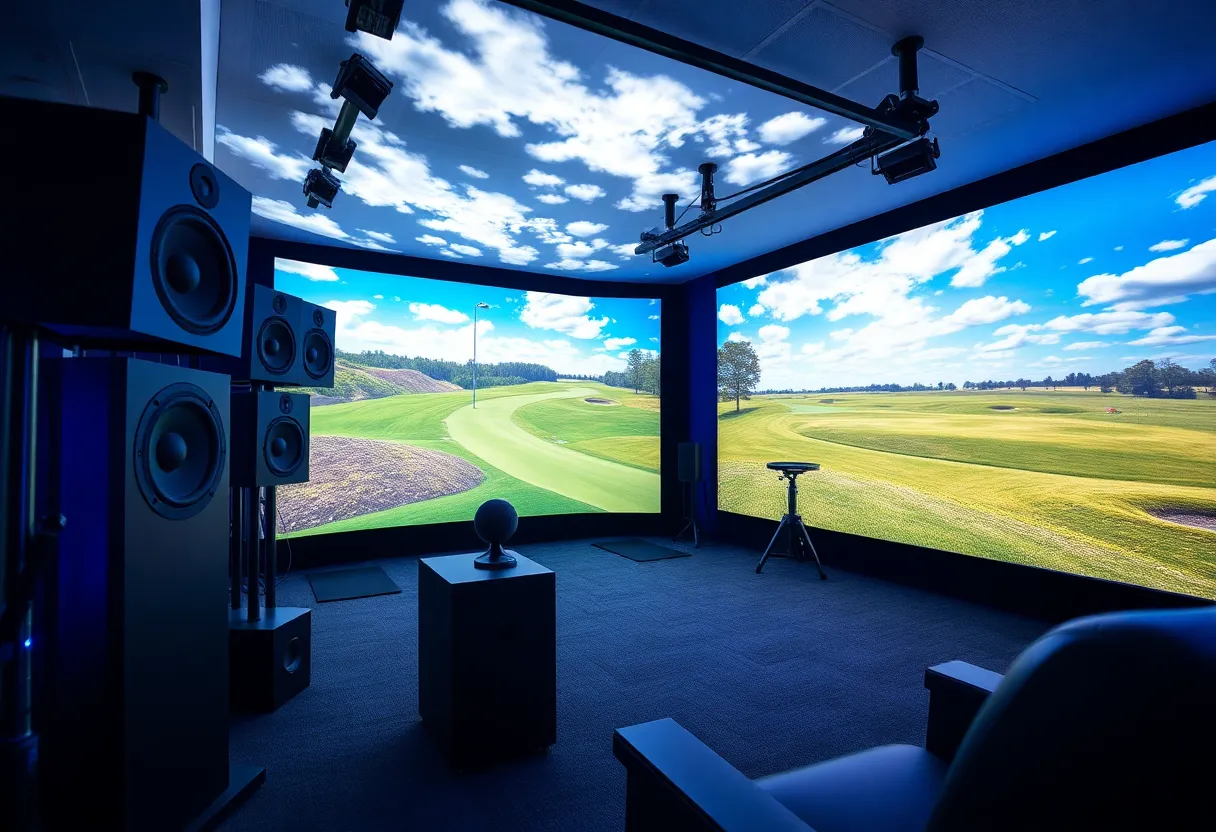
Enhancing Your Golf Simulator Setup with High-End Audio Systems
The integration of high-end audio systems into your golf simulator can lead to an enriched experience, significantly enhancing your gameplay. Golf simulator audio serves as a crucial component that not only elevates your immersion but also enhances your overall performance by engaging your senses. This article outlines various ways to incorporate superior audio systems into your golf simulator setup.
The Importance of Golf Simulator Audio
High-quality audio in your golf simulator is not just a luxury; it’s a necessity for an authentic experience. The sounds of a driving range, the rustle of grass, and the impact of a perfectly struck ball create an environment that mimics being on a real course. Poor audio can detract from this experience, reducing focus and engagement.
Immersion and Realism
Sound effects such as the swishing of the club, the thud of the ball hitting the ground, and crowd cheers contribute to realism. They create a psychological connection that is essential for practice and enjoyment. The right audio setup can make players feel as if they are right on the green, thus improving concentration and performance.
Feedback Mechanism
Audio feedback from your simulator can also provide valuable insights into your gameplay. The distinct sound of a golf club hitting a ball can indicate whether a shot was struck correctly. If the audio quality is subpar, it may hinder the feedback you receive, making it difficult to identify areas for improvement.
Choosing the Right Audio System
Selecting an appropriate audio system for your golf simulator entails evaluating several key factors.
Speaker Types
Evaluate the type of speakers that best fit your needs. Here are a few options:
- Soundbars: Compact and usually easy to install, soundbars can provide impressive audio quality without taking up much space.
- Surround Sound Systems: For a fully immersive experience, surround sound systems use multiple speakers strategically placed around the room. This setup enhances spatial audio.
- Wireless Speakers: These speakers offer flexibility, allowing you to position them wherever you prefer without the constraint of cables.
Audio Quality
The quality of audio playback is paramount. Look for systems that support high-definition sound formats. Systems with a dynamic range will help recreate authentic sounds associated with golf performance.
Connectivity Options
Your audio system should easily integrate with your existing technology. Look for systems that support Bluetooth, Wi-Fi, and HDMI connectivity, ensuring versatile integration with your golf simulator software.
Implementing Sound Design
Once you’ve chosen your audio system, implementing sound design can significantly enhance your simulation experience.
Custom Sound Effects
Incorporate custom sound effects that you feel best reflect your gameplay. You can find or create sound clips that mimic golf-specific sounds, such as driving shots, swings, and environmental noises.
Incorporating Binaural Audio
Binaural audio recordings can provide a unique 3D sound perspective that enhances immersion. They simulate how humans naturally perceive sound, creating an acoustic environment that feels realistic.
Game Audio Optimization
Most golf simulation software offers audio settings that allow customization. Optimize these settings for clarity and volume. Ensure that ambient sounds do not overshadow critical sound cues.
Setting the Right Volume Levels
The importance of maintaining appropriate volume levels cannot be overstated. Sounds should be loud enough to be engaging but not so overpowering that they become distracting.
Balancing Sound Levels
Utilize audio mixers or software to balance sound levels between various audio sources, ensuring that gameplay audio, ambient sounds, and custom effects do not interfere with one another.
Volume Testing
Conduct ample volume testing during your gameplay sessions to fine-tune settings. Listen for clarity and make adjustments that enhance the overall experience.
Maintenance and Upkeep
High-end audio systems require maintenance to sustain their performance. Regular checks can prevent audio degradation.
Cleaning and Care
Dust and accumulate on speakers can impede sound quality. Regularly clean your audio equipment. Use appropriate materials to avoid damaging components.
Software Updates
Ensure that all software related to your audio system is updated. This keeps your equipment functioning correctly and enhances compatibility with newer technologies.
Conclusion
Investing in high-end audio systems for your golf simulator setup is a step toward achieving an immersive and authentic golfing experience. Effective audio not only complements visual elements but also enables optimal performance through enhanced feedback and realism. By selecting the right audio equipment, implementing sound design, and maintaining your system, you’ll significantly elevate your golf simulation experience.
